السبت، 13 سبتمبر 2008


السبت، 6 سبتمبر 2008
Max OSX For Photographers
Max OSX For Photographers

Rod Wynne-Powell, "Mac OS X for Photographers: Optimized image workflow for the Mac user (Digital Workflow)"
Focal Press ISBN-10: 0240520270 January 21, 2008 PDF 18MB
If you're a photographer using a Mac and why wouldn't you be? then you need this guide to optimizing OS X for your photography workflow.
Macs are still the hardware of choice for the cream of digital imaging experts over two million registered Mac users of Adobe Photoshop can't be wrong. Let the expert advice of Rod Wynne-Powell help you to:
* Configure your Mac for a trouble-free life from capture to output
* Speed up your photography workflow using Photoshop, Bridge and the rest of the Adobe Creative Suite
* Optimize your color management system and ensure the highest quality image results
* Save time through effective storage and retrieval of images
Years of experience dealing with digital image makers queries on a day-to-day basis means he also knows that problems can and do happen even on a Mac so this book is also packed full of vital troubleshooting advice and ways to avoid the pitfalls in the first place.
The only Mac OS X book written specifically for photographers, this unique guide to troubleshooting and working with digital images on a Mac is fully updated for the Leopard release of OS X.
Rod Wynne-Powell runs Solutions Photographic as a retoucher, trainer and consultant for digital photographers. He is an accomplished photographer and an alpha tester for Adobe Photoshop, and acts as technical checker for Martin Evenings Adobe Photoshop for Photographer, also published by Focal Press
Download.
How to Do Everything: Mac
How to Do Everything: Mac

Publisher: McGraw-Hill Osborne Media; 1 edition (January 9, 2008)
Language: English
ISBN-10: 0071502726
Have more fun and get more done with your Mac!
Now you can get the most out of your Mac, whether it’s an iMac, MacBook, or Mac mini. How to Do Everything: Mac shows you how to set up and customize your Mac and use all of the built-in tools and applications, such as iTunes, Mail, Safari, and the iLife and iWork suites.
The revolutionary new features available in Mac OS X Leopard are also covered, such as Quick Look, Time Machine, and Spaces. Plus, you’ll get details on hardware and peripherals, networking, troubleshooting, and maintenance. This is your must-have Mac guide!
- Manage files, folders, and applications with the Finder
- Connect to the Internet and explore with Safari
- Use iWork for word processing, spreadsheets, and presentations
- Edit, organize, and share your pictures with iPhotoMaster iTunes and iMovie for music, video, and movies
- Tweak the System Preferences
- Synchronize your Mac with your iPod, PDA, or cell phone
- Set up a wired or wireless network
- Dual-boot between Mac OS X and Windows
- Add external devices via USB and FireWire
- Troubleshoot, maintain, and back up your Mac

The MacWorld Total Leopard Superguide
The MacWorld Total Leopard Superguide

Read this ebook to learn the answers to questions such as:
How can I zoom in Quick Look view?
What are some practical tips for using Spaces?
How do I use the new Notes and To Do options in Mail?
How can I set up iChat to auto-accept chat requests?
What's new with Terminal and Automator in Leopard?
What's the best way to read RSS Feeds in Safari?
What's the best way to set up my Leopard firewall?
How do I do an AND or an OR search with Spotlight?
We encourage you to download the free 22-page sample to see what it looks like, since it is rather different from our Take Control design. If you plan to print, print a few test pages from the sample first in case you wish to consider Macworld's $24.99 print version, which has higher-resolution images than are feasible in an ebook.
How can I zoom in Quick Look view?
What are some practical tips for using Spaces?
How do I use the new Notes and To Do options in Mail?
How can I set up iChat to auto-accept chat requests?
What's new with Terminal and Automator in Leopard?
What's the best way to read RSS Feeds in Safari?
What's the best way to set up my Leopard firewall?
How do I do an AND or an OR search with Spotlight?
We encourage you to download the free 22-page sample to see what it looks like, since it is rather different from our Take Control design. If you plan to print, print a few test pages from the sample first in case you wish to consider Macworld's $24.99 print version, which has higher-resolution images than are feasible in an ebook.
Download
كتب أصلاح أغلب أنواع أجهزة الماك ( Repair Manuals )
كتب أصلاح أغلب أجهزة الماك أو كما تعرف بـ Service Repair Manuals وهي تعلمك كيف تفك وتركب الجهاز ....
MacBook Air

MacBook Air
MacBook Pro

MacBook Pro 17″ Early 2008
MacBook Pro 17″ 2007
MacBook Pro 15″ Early 2008
MacBook Pro 15″ 2007
MacBook Pro 15″ Core 2 Duo
MacBook Pro 15″ 2006
MacBook

MacBook 13″ Early 2008
MacBook 13″ 2006/2007
PowerBook & iBook

PowerBook G4 15″ Double-Layer SD
PowerBook G4
iBook Early 2004
MacBook 13″ 2006/2007
iMac

iMac 24″ Early 2008
iMac 24″ Mid 2007
iMac 24″
iMac 20″ Early 2008
iMac 20″ Mid 2007
iMac 20″ Late 2006
iMac 20″ Early 2006
iMac G5 20″ Ambient Light Sensor
iMac G5 20″ iSight
iMac G5 20″
iMac G5 17″ iSight
iMac G5 & G4

iMac G4 Flat Panel
iMac G3 Early 2001
Mac Mini

Mac mini 2006/2007
Mac mini 2006
Mac Pro

Mac Pro Early 2008
Mac Pro 8x
Mac Pro 2006/2007
Power Mac

Power Mac G5 Late 2004
Power Mac G5
Power Mac G4 Mirrored Drive Doors + FW 800
Power Mac G4
Xserve

Xserve Late 2006/Early 2008
Xserve G5
MacBook Air

MacBook Air
MacBook Pro

MacBook Pro 17″ Early 2008
MacBook Pro 17″ 2007
MacBook Pro 15″ Early 2008
MacBook Pro 15″ 2007
MacBook Pro 15″ Core 2 Duo
MacBook Pro 15″ 2006
MacBook
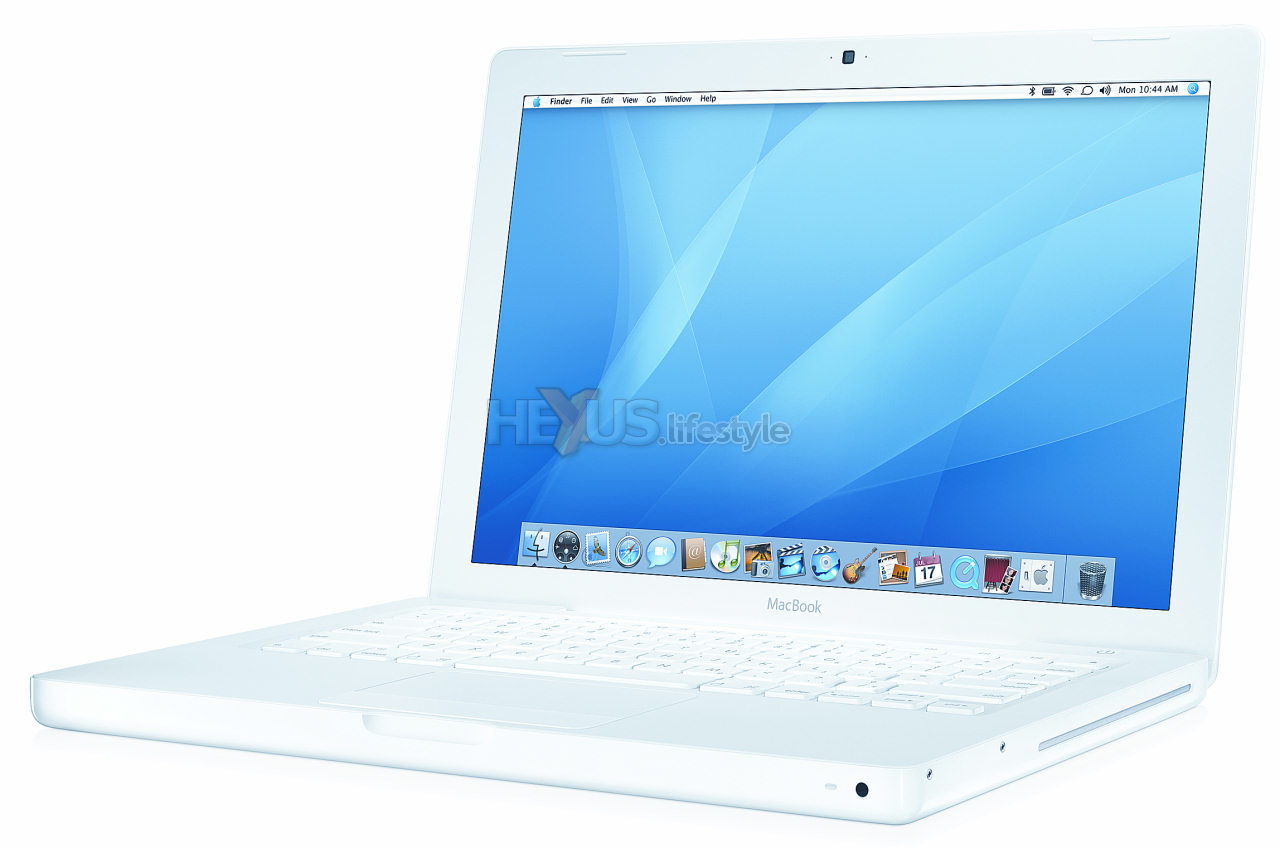
MacBook 13″ Early 2008
MacBook 13″ 2006/2007
PowerBook & iBook

PowerBook G4 15″ Double-Layer SD
PowerBook G4
iBook Early 2004
MacBook 13″ 2006/2007
iMac

iMac 24″ Early 2008
iMac 24″ Mid 2007
iMac 24″
iMac 20″ Early 2008
iMac 20″ Mid 2007
iMac 20″ Late 2006
iMac 20″ Early 2006
iMac G5 20″ Ambient Light Sensor
iMac G5 20″ iSight
iMac G5 20″
iMac G5 17″ iSight
iMac G5 & G4

iMac G4 Flat Panel
iMac G3 Early 2001
Mac Mini
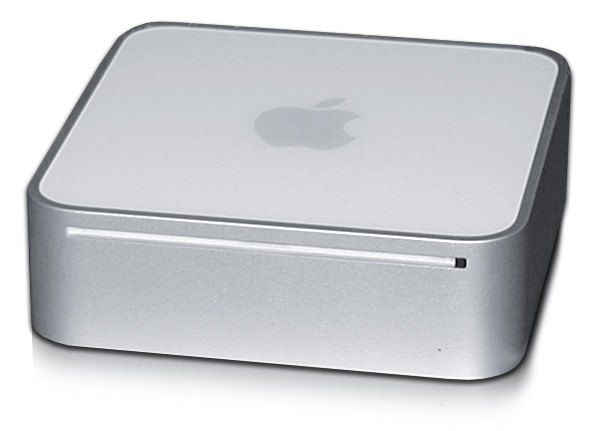
Mac mini 2006/2007
Mac mini 2006
Mac Pro
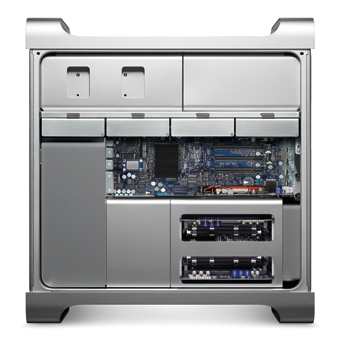
Mac Pro Early 2008
Mac Pro 8x
Mac Pro 2006/2007
Power Mac

Power Mac G5 Late 2004
Power Mac G5
Power Mac G4 Mirrored Drive Doors + FW 800
Power Mac G4
Xserve

Xserve Late 2006/Early 2008
Xserve G5
مجلة MacWorld أعداد من يوليو الى اكتوبر 2008
لمحبي قراءة هذه المجلة ( وانا أول واحد ) ... هذي أصدارات المجلة للشهور التالية :


السبت، 5 يوليو 2008
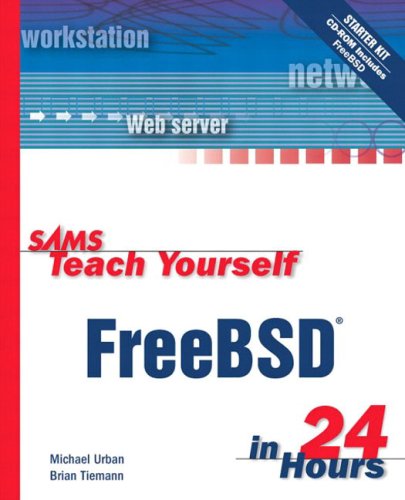
Sams Teach Yourself FreeBSD in 24 Hours
Sams Teach Yourself FreeBSD in 24 Hours

Publisher: Sams
* Number Of Pages: 456
* Publication Date: 2002-12-18
* Sales Rank: 261174
* ISBN / ASIN: 0672324245
* EAN: 9780672324246
* Binding: Paperback
* Manufacturer: Sams
* Studio: Sams
* Book Description:
There currently no books on the market that offer to teach FreeBSD to a novice. This book will be very attractive to the rushed and impatient, as well as to those who simply have a desire to learn the benefits of FreeBSD when compared to other proprietary operating systems. The book covers the most beneficial uses of FreeBSD, as well as the information needed to install and configure the operating system. This book will be the definitive tutorial reference for the growing FreeBSD market.
Publisher: Sams
* Number Of Pages: 456
* Publication Date: 2002-12-18
* Sales Rank: 261174
* ISBN / ASIN: 0672324245
* EAN: 9780672324246
* Binding: Paperback
* Manufacturer: Sams
* Studio: Sams
* Book Description:
There currently no books on the market that offer to teach FreeBSD to a novice. This book will be very attractive to the rushed and impatient, as well as to those who simply have a desire to learn the benefits of FreeBSD when compared to other proprietary operating systems. The book covers the most beneficial uses of FreeBSD, as well as the information needed to install and configure the operating system. This book will be the definitive tutorial reference for the growing FreeBSD market.
Mac OS X Leopard Phrasebook
Mac OS X Leopard Phrasebook

Mac OS X Leopard Phrasebook gives you the complete command phrases you need to take full advantage of the Leopard’s hidden and undocumented power underneath the graphical user interface: time-saving solutions for effectively working with files, folders, the Finder, Spotlight, text files, servers, disks, CDs/DVDs, permissions, printing, applications, Exposé, networking, security, and much more.
Getting started with MAC OS X leopard
Getting started with MAC OS X leopard


Summary of Contents
* Chapter 1: Mac OS X Leopard's New Features
* Chapter 2: Mac Basics
* Chapter 3: Spotlight
* Chapter 4: Mail
* Chapter 5: Safari and iChat
* Chapter 6: Dashboard
* Chapter 7: Exposé and Spaces
* Chapter 8: Time Machine
* Chapter 9: iCal
* Chapter 10: iTunes
* Chapter 11: iPhoto
* Chapter 12: iMovie and iDVD
* Chapter 13: GarageBand
* Chapter 14: iWeb
* Chapter 15: Boot Camp
* Chapter 16: Front Row and Photo Booth
* Chapter 17: Working with Accounts
* Chapter 18: Networking Your Mac
* Chapter 19: Mac Security
* Chapter 20: Under the Hood
* Chapter 21: Developer Tools
* Appendix A: Switching from Windows to Mac OS X Software
* Appendix B: The Mac Apps List
* Chapter 1: Mac OS X Leopard's New Features
* Chapter 2: Mac Basics
* Chapter 3: Spotlight
* Chapter 4: Mail
* Chapter 5: Safari and iChat
* Chapter 6: Dashboard
* Chapter 7: Exposé and Spaces
* Chapter 8: Time Machine
* Chapter 9: iCal
* Chapter 10: iTunes
* Chapter 11: iPhoto
* Chapter 12: iMovie and iDVD
* Chapter 13: GarageBand
* Chapter 14: iWeb
* Chapter 15: Boot Camp
* Chapter 16: Front Row and Photo Booth
* Chapter 17: Working with Accounts
* Chapter 18: Networking Your Mac
* Chapter 19: Mac Security
* Chapter 20: Under the Hood
* Chapter 21: Developer Tools
* Appendix A: Switching from Windows to Mac OS X Software
* Appendix B: The Mac Apps List
How to Do Everything with MAC
How to Do Everything with MAC


Have more fun and get more done with your Mac! Now you can get the most out of your Mac, whether it's an iMac, MacBook, or Mac mini. How to Do Everything: Mac shows you how to set up and customize your Mac and use all of the built-in tools and applications, such as iTunes, Mail, Safari, and the iLife and iWork suites. The revolutionary new features available in Mac OS X Leopard are also covered, such as Quick Look, Time Machine, and Spaces. Plus, you'll get details on hardware and peripherals, networking, troubleshooting, and maintenance. This is your must-have Mac guide! Manage files, folders, and applications with the Finder Connect to the Internet and explore with Safari Use iWork for word processing, spreadsheets, and presentations Edit, organize, and share your pictures with iPhoto Master iTunes and iMovie for music, video, and movies Tweak the System Preferences Synchronize your Mac with your iPod, PDA, or cell phone Set up a wired or wireless network Dual-boot between Mac OS X and Windows Add external devices via USB and FireWire Troubleshoot, maintain, and back up your Mac
Special Edition Using Mac OS X Leopard
Special Edition Using Mac OS X Leopard

We crafted this book to grow with you, providing the reference material you need as you move toward software proficiency and use of more advanced features. If you buy only one book on Mac OS X Leopard, Special Edition Using Mac OS X Leopard is the only book you need.
• Explore the depths of Mac OS X’s core including the desktop, Finder, Finder windows, the Dock, user accounts, the Dashboard and widgets, Spaces, and much more.
• Master OS X by installing and using Mac OS X applications, customizing the system, making your Mac accessible to everyone, automating your Mac with the Automator, using Unix commands, and working with mobile Macs.
• Run Windows applications on your Mac for those rare occasions when a Mac application isn’t available.
• Exploit Mac OS X’s Internet tools to connect to the Net with or without wires, use email, surf the Web, and take advantage of the many features of .Mac.
• Explore some of the great applications included with Mac OS X, such as iTunes, QuickTime, DVD Player, iCal, Address Book, iChat, and on it goes.
• Expand your system with input devices (such as keyboards and trackballs), output devices (printers, displays, and such), hard drives, and hubs (Ethernet, USB, and FireWire).
• Connect to other computers and devices safely and easily using Mac OS X’s advanced networking tools. Learn to configure your own network including Macs and Windows computers and how to share an Internet connection among them.
• Use great Mac OS X tools and techniques to keep your system in top condition and to solve problems.
“Whether you are already familiar with OS X or are updating from an earlier Mac OS, you will find this volume useful. A clear, comprehensive, well-organized and, above all, usable reference.”
–Glenn Lisle, Managing Editor, MONITOR Magazine
“A must-read for anyone using Mac OS X for the first time–and for those upgrading to the latest version of the Mac operating system. Brad Miser covers all the important topics in an interesting, easy-to-understand manner that's aided and abetted by well chosen graphics, useful tips and explanatory notes. Leopard’s a great OS–and Brad’s book is a great guide for it.
–Dennis Sellers, Publisher, Macsimum News
Brad Miser has written extensively about all things Macintosh. In addition to Special Edition Using Mac OS X Leopard, Brad has written many other books, including My iPhone; Sleeping with the Enemy: Running Windows on a Mac (digital Short Cut); Special Edition Using Mac OS X, v10.4 Tiger; Absolute Beginner's Guide to iPod and iTunes; Absolute Beginner's Guide to Homeschooling; Mac OS X and iLife: Using iTunes, iPhoto, iMovie, and iDVD; iDVD 3 Fast & Easy; Special Edition Using Mac OS X v10.2; and Using Mac OS 8.5. He has also been an author, development editor, or technical editor on more than 50 other titles. He has written numerous articles for MacAddict magazine and has been a featured speaker at Macworld Expo, user group meetings, and other venues. Brad holds a Bachelor of Science degree in mechanical engineering from California Polytechnic State University at San Luis Obispo and has received advanced education in maintainability engineering, business, and other topics.

We crafted this book to grow with you, providing the reference material you need as you move toward software proficiency and use of more advanced features. If you buy only one book on Mac OS X Leopard, Special Edition Using Mac OS X Leopard is the only book you need.
• Explore the depths of Mac OS X’s core including the desktop, Finder, Finder windows, the Dock, user accounts, the Dashboard and widgets, Spaces, and much more.
• Master OS X by installing and using Mac OS X applications, customizing the system, making your Mac accessible to everyone, automating your Mac with the Automator, using Unix commands, and working with mobile Macs.
• Run Windows applications on your Mac for those rare occasions when a Mac application isn’t available.
• Exploit Mac OS X’s Internet tools to connect to the Net with or without wires, use email, surf the Web, and take advantage of the many features of .Mac.
• Explore some of the great applications included with Mac OS X, such as iTunes, QuickTime, DVD Player, iCal, Address Book, iChat, and on it goes.
• Expand your system with input devices (such as keyboards and trackballs), output devices (printers, displays, and such), hard drives, and hubs (Ethernet, USB, and FireWire).
• Connect to other computers and devices safely and easily using Mac OS X’s advanced networking tools. Learn to configure your own network including Macs and Windows computers and how to share an Internet connection among them.
• Use great Mac OS X tools and techniques to keep your system in top condition and to solve problems.
“Whether you are already familiar with OS X or are updating from an earlier Mac OS, you will find this volume useful. A clear, comprehensive, well-organized and, above all, usable reference.”
–Glenn Lisle, Managing Editor, MONITOR Magazine
“A must-read for anyone using Mac OS X for the first time–and for those upgrading to the latest version of the Mac operating system. Brad Miser covers all the important topics in an interesting, easy-to-understand manner that's aided and abetted by well chosen graphics, useful tips and explanatory notes. Leopard’s a great OS–and Brad’s book is a great guide for it.
–Dennis Sellers, Publisher, Macsimum News
Brad Miser has written extensively about all things Macintosh. In addition to Special Edition Using Mac OS X Leopard, Brad has written many other books, including My iPhone; Sleeping with the Enemy: Running Windows on a Mac (digital Short Cut); Special Edition Using Mac OS X, v10.4 Tiger; Absolute Beginner's Guide to iPod and iTunes; Absolute Beginner's Guide to Homeschooling; Mac OS X and iLife: Using iTunes, iPhoto, iMovie, and iDVD; iDVD 3 Fast & Easy; Special Edition Using Mac OS X v10.2; and Using Mac OS 8.5. He has also been an author, development editor, or technical editor on more than 50 other titles. He has written numerous articles for MacAddict magazine and has been a featured speaker at Macworld Expo, user group meetings, and other venues. Brad holds a Bachelor of Science degree in mechanical engineering from California Polytechnic State University at San Luis Obispo and has received advanced education in maintainability engineering, business, and other topics.
Teach Yourself Mac OSX Leopard

You’ve got a Mac. You’ve got Leopard. And you’ve got iLife, Safari, Mail, iChat…and all the rest.
Now all you need to do is figure out how to get them to work together–so that you can stop thinking about your computer and start thinking about getting things done, having fun, and enjoying everything your Mac has to offer.
This one book is your answer–the answer to any questions you might have today, and the answer to all the questions about Leopard and your Mac that you’re likely to have in the future.
Find out how to…
* Get the most enjoyment out of iLife
* Find files and documents with Spotlight
* Use QuickTime and DVD Player
* Use Windows software on Intel Macs
* Work with peripheral devices
* Surf the Web with Safari
* Send email with Mail
* Collaborate via iChat
* Share your screen, files, and computer securely
* Recover from crashes
* Back up and restore files with Time Machine
Robyn Ness is a web developer, focusing on issues of usability, information design, and content development. She has contributed to books on Adobe CS3, Dreamweaver, digital media, and digital photography.
John Ray is an award-winning developer and security consultant with more than 17 years of programming and administration experience. He has worked on projects for the FCC, the National Regulatory Research Institute, The Ohio State University, Xerox, and the State of Florida and has written or contributed to more than a dozen books, including Adobe CS3 All in One, Special Edition Using TCP/IP, Mac OS X Unleashed, and Maximum Mac OS X Security.
Now all you need to do is figure out how to get them to work together–so that you can stop thinking about your computer and start thinking about getting things done, having fun, and enjoying everything your Mac has to offer.
This one book is your answer–the answer to any questions you might have today, and the answer to all the questions about Leopard and your Mac that you’re likely to have in the future.
Find out how to…
* Get the most enjoyment out of iLife
* Find files and documents with Spotlight
* Use QuickTime and DVD Player
* Use Windows software on Intel Macs
* Work with peripheral devices
* Surf the Web with Safari
* Send email with Mail
* Collaborate via iChat
* Share your screen, files, and computer securely
* Recover from crashes
* Back up and restore files with Time Machine
Robyn Ness is a web developer, focusing on issues of usability, information design, and content development. She has contributed to books on Adobe CS3, Dreamweaver, digital media, and digital photography.
John Ray is an award-winning developer and security consultant with more than 17 years of programming and administration experience. He has worked on projects for the FCC, the National Regulatory Research Institute, The Ohio State University, Xerox, and the State of Florida and has written or contributed to more than a dozen books, including Adobe CS3 All in One, Special Edition Using TCP/IP, Mac OS X Unleashed, and Maximum Mac OS X Security.
Peachpit Press Mac OS X 10.5 Leopard Peachpit Learning Series Nov 2007
Peachpit Press Mac OS X 10.5 Leopard Peachpit Learning Series Nov 2007

Learn how to get the most out of Mac OS X version 10.5 Leopard with legendary teacher and author Robin Williams.
Mac OS X Leopard: Beyond the Manual

*Leopards sleek new interface
* Unique Mac OS features and applications
* Managing all the System and User preferences
* Working with add on devices via USB, Firewire, and Bluetooth
* General system maintenance
* Data backup, recovery and security
* Using the standard included Leopard applications including Mail, Safari, Preview, and more
* Learning how to use and take advantage of the powerful Darwin subsystem in Leopard
* Configuring the network to take full advantage of the powerful networking capabilities in Leopard
* Getting started with Leopards Development Tools and features
* Using the latest features available for working with Windows on your Apple computer
Download
الاشتراك في:
التعليقات (Atom)